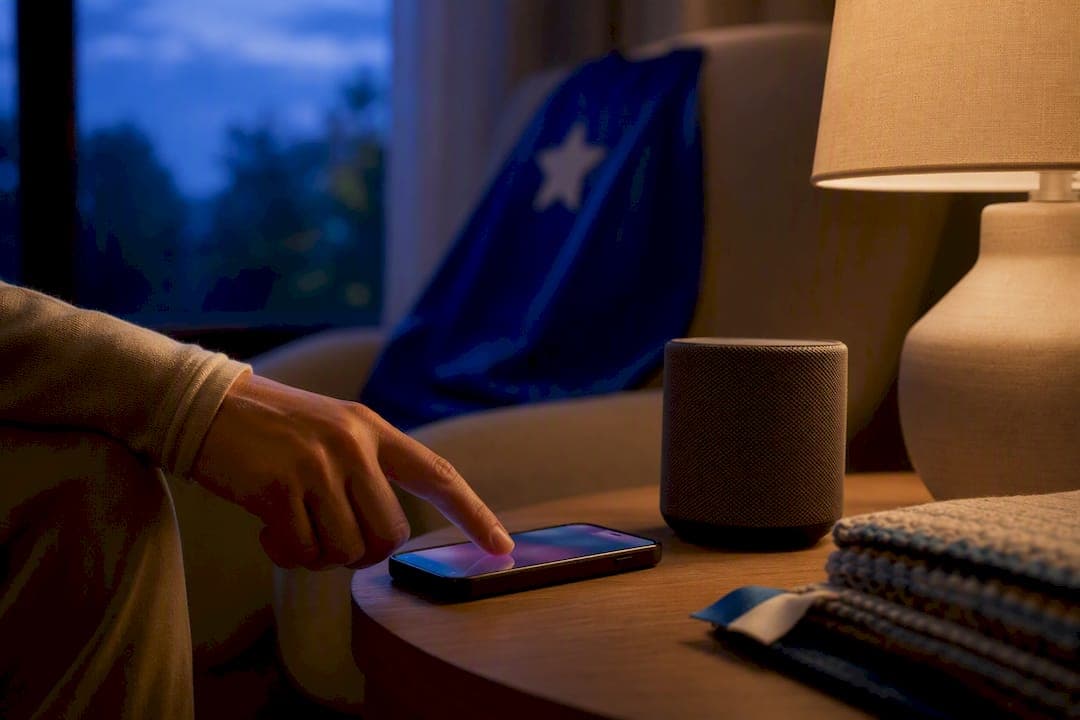
A private, invite-only podcast feed is the better choice for weekly personalized superhero episodes built around family listening. It delivers on a predictable schedule, keeps access limited to people you invite, and creates better conditions for parents and kids to listen together. Apps still win on discovery and interactivity, but that same interactivity often pulls a young child's attention toward a screen instead of a story.
TL;DR:
- Private podcast feeds offer predictable, scheduled weekly episodes that land automatically in a limited, invite-only feed, avoiding app browsing and ads.
- Personalization using a child's name and traits enhances comprehension and social engagement, especially when a parent narrates the story live.
- Setup involves adding a private RSS link to a podcast app, with most providers offering troubleshooting guides; check device compatibility and access sharing beforehand.
- Cost typically ranges from $5 to $15 per month, with family plans supporting multiple children and gift options, but evaluate ease of cancellation and data privacy.
- The key decision factors are listening location, device ecosystem, desired personalization level, setup effort, and budget, with simplicity and reliability being primary concerns.
Table of Contents
- Apps vs Private Podcast: Weighing the Trade-Offs
- Why Personalization and Parent Narration Matter for Kids
- How Do Private Podcast Feeds Actually Get Delivered?
- What Does a Weekly Personalized Podcast Cost?
- Seven Questions That Decide Which Option Fits Your Family
- Setting Up a Private Feed Doesn't Have to Be Stressful
- Start a Weekly Superhero Podcast for Your Kid
- Sources
Apps vs Private Podcast: Weighing the Trade-Offs
The decision usually comes down to what you want the listening experience to feel like. Apps are built for browsing. Private podcast feeds are built for a routine.
Story apps designed for kids ages 4 to 9 tend to offer a lot of surface-level appeal: colorful child profiles, in-app games tied to the story, and free trials that let you sample content before paying. Many also use interactive elements, like tapping the screen to trigger sound effects, which can hold a young child's attention in the short term.
But that same design has real friction points for families:
- Screen time creeps in, even when the "story" is technically audio-first.
- Content gets scattered across multiple app subscriptions, since no single app has everything.
- In-app purchases and ads can interrupt a listening session without warning.
A private podcast feed works differently. New episodes land automatically, on a schedule, in a feed only your family can access. There is no browsing required and nothing to tap through mid-story.
- Delivery happens on autopilot, usually once a week, so there's no searching for "something new" to play.
- Access stays invite-only, which means no stranger's content mixed into your child's feed.
- Shared listening is easier because there's no screen competing for attention, just voice and imagination.
The tradeoff: private feeds ask for a small one-time setup step, and the interface is plainer than a flashy app.
Think about where your family actually listens. Bedtime works best with a quiet, screen-free feed playing through a speaker. Car rides favor whatever streams reliably through a phone. Gift occasions, like a birthday or holiday, tend to favor the surprise and consistency of a private feed a grandparent set up in advance.
Why Personalization and Parent Narration Matter for Kids
Hearing their own name as the hero of the story is not a small detail. Personalizing a narrative by using a child's actual name has been shown to increase reading comprehension and social agency in elementary-age kids, meaning children process the story more deeply and see themselves as capable of acting within it.
Kids who hear personalized stories with their own name show measurably higher comprehension than kids hearing the same story generically told.
Who reads or narrates the story matters just as much as the words themselves. An fMRI study found that parental storytelling engages reading-related neural networks more strongly than the same story told by an unfamiliar narrator, activating attention and sensory processing systems tied to pre-literacy skills.
Put those two findings together and the takeaway is straightforward: a personalized episode is good on its own, but a personalized episode a parent listens to alongside their child is stronger. To get the most out of it:
- Sit with your child during the episode instead of leaving it as background noise.
- Ask one or two simple questions afterward, like what their favorite part was.
- Keep the routine consistent, since repetition builds anticipation, not boredom.
A randomized trial on audiobooks found vocabulary gains were largest when audio was paired with this kind of one-on-one interaction, not when kids listened alone.
How Do Private Podcast Feeds Actually Get Delivered?
A private podcast feed usually arrives through an email invite that contains a private RSS link or an access token. You click it, add the feed to a podcast app of your choice, and new episodes appear there automatically going forward. Nothing is public, and nothing shows up in app store search results.
That's different from a typical kids' app account, where you're creating a login, often sharing some data with the app's own servers, and managing a child profile inside that company's ecosystem. A private feed skips most of that. You're not building a profile; you're just receiving content.
Before you subscribe, run through this quick device check:
- Confirm the feed works on the phone or tablet apps your family already uses for listening.
- Check smart speaker compatibility separately, since not every private feed connects to devices like an Amazon Echo the same way public podcasts do.
- Test whether more than one household member can access the feed if grandparents or co-parents want to listen too.
- Note that some platforms, including Spotify, have specific limitations for private feeds and may need extra setup steps.
Pro Tip: Save the original invite email. If you ever switch phones or reinstall a podcast app, you'll need that same link to reconnect the feed instead of starting over.
Good providers publish setup guides for exactly this kind of troubleshooting, covering everything from private RSS feed installation to Spotify compatibility quirks.
What Does a Weekly Personalized Podcast Cost?
Weekly content practically demands a subscription model. A one-off purchase doesn't make sense when new episodes arrive every seven days, so monthly or annual billing keeps delivery predictable for both the family and the provider.
Market research on personalized children's content suggests parents are generally comfortable paying in the $5 to $15 per month range for this kind of digital subscription, especially when personalization is central to the product rather than an add-on.
If you're comparing plans, or buying one as a gift, check for:
- Support for multiple children under one family plan, rather than paying separately per kid.
- A clear gifting checkout flow, including the ability to set a future start date.
- What "personalization" actually includes: name only, or name plus age, interests, and traits.
- Whether onboarding help is offered if the recipient isn't tech savvy.
Seven Questions That Decide Which Option Fits Your Family
Run through these before you commit to anything:
- Where will most listening happen: bedtime, car rides, or both?
- How much personalization do you actually want, name only or full character detail?
- What devices does your family already use daily?
- How important is it that no outside content or ads reach your child's feed?
- How much setup effort are you willing to do once, upfront?
- What's your monthly budget for a recurring subscription?
- Are you buying this for your own child, or gifting it to a grandchild or niece or nephew?
Mark which of these are true dealbreakers for your family, then compare that list against what an app or a private feed actually offers. Whichever option satisfies more of your must-haves is the right call, not necessarily the one with more features overall.
Watch for warning signs regardless of which route you pick: subscriptions with unclear cancellation steps, private-feed instructions that assume technical fluency you don't have, or fine print suggesting your child's data gets shared with advertising platforms.
Pro Tip: If a provider can't clearly explain, in plain language, how to cancel or how the private feed connects to your app, that's a signal to keep looking before you pay.
Setting Up a Private Feed Doesn't Have to Be Stressful
Weekly delivery only works if the setup behind it is boring in the best way, meaning it just works every Sunday without a parent having to think about it. That's the standard worth holding any private feed provider to, including our own setup guide for connecting a feed to whatever app your family already uses.
What parents tend to appreciate most isn't the novelty of hearing their kid's name in a story. It's the consistency. Sunday becomes a small, expected moment, not something that requires remembering to open an app and search.
When something goes sideways, whether it's a broken invite link or confusion over a Spotify limitation, support documentation should answer the question in a couple of minutes, not send you into a help ticket queue for a week.
— JG
Start a Weekly Superhero Podcast for Your Kid
This service turns your child into the hero of their own audio adventure, delivered to a private feed on a regular schedule, allowing families to skip app browsing and enjoy listening together.
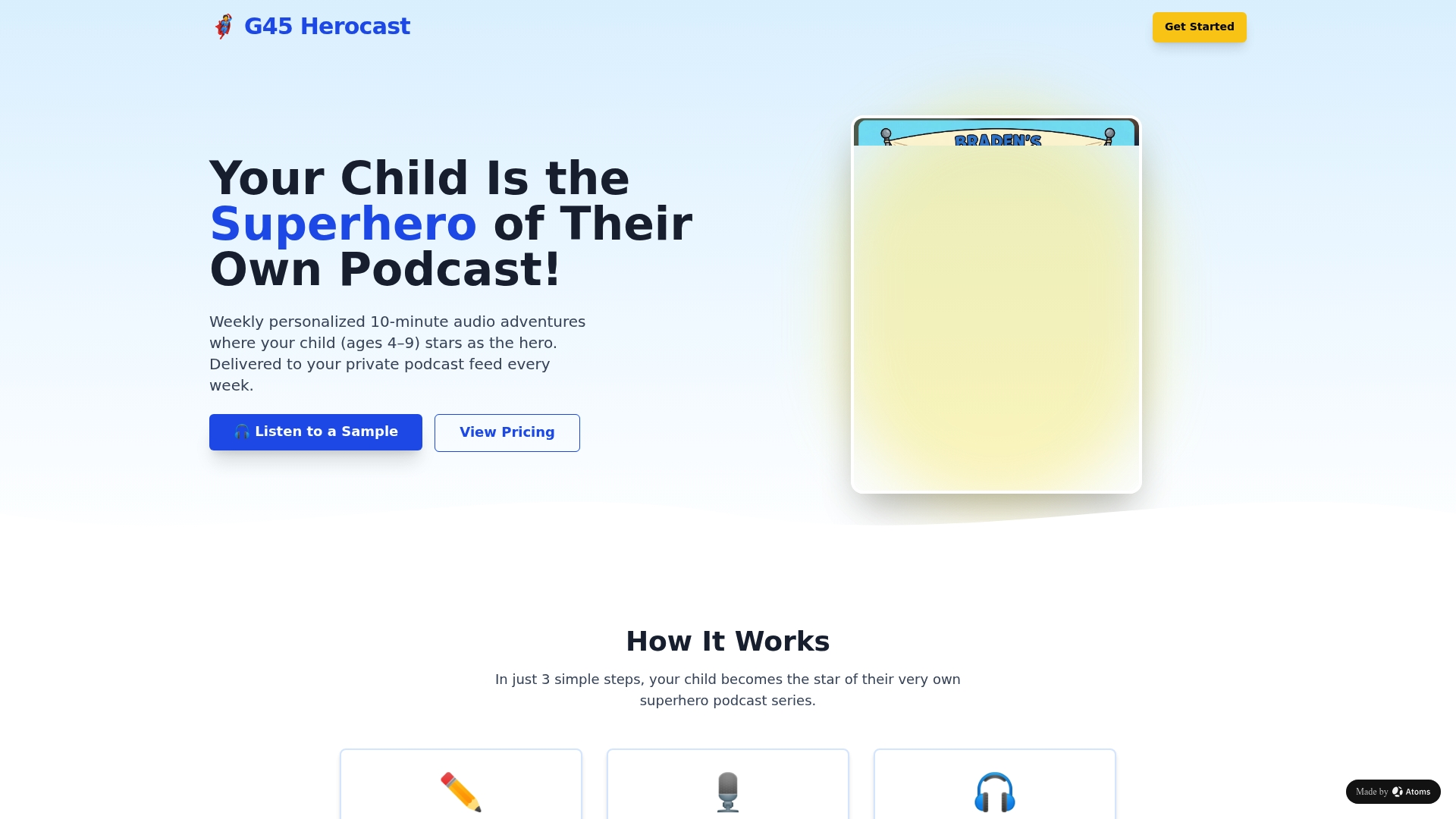
Each episode is personalized using details such as the child's name and traits, instead of a generic character. Subscription options include monthly or annual plans, with choices suitable for multiple children or gifts. If you've read this far weighing apps against private feeds, you already know the setup question that matters most: how easy is it to get started? Superhero Sounds walks you through choosing a plan and picking your child's hero details in a few minutes, with the first episode landing in your private feed the following Sunday.
Sources
- Engagement of networks related to attention, executive function, and sensory processing during parental vs experimenter story-listening
- Text-supplemented audiobooks and vocabulary learning (RCT)
- Personalization and reading comprehension in elementary students