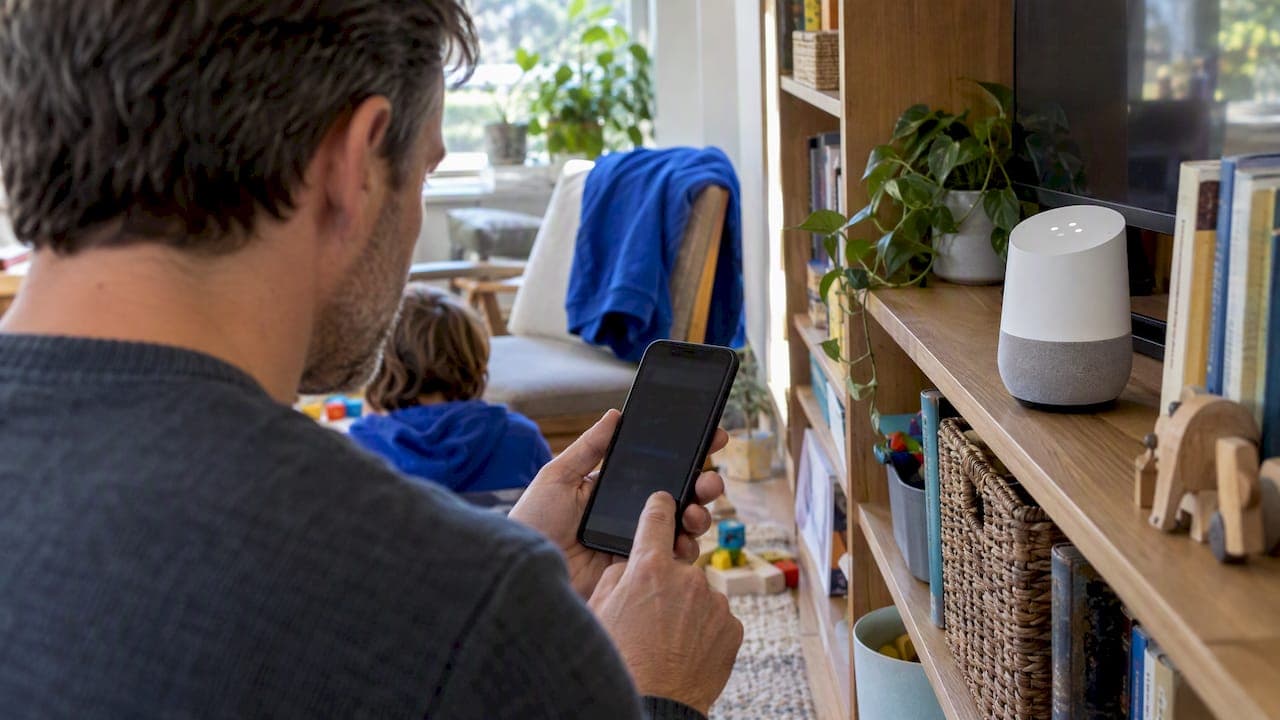
Yes, you can play a private podcast on a Google Home or Nest speaker, but you cannot just ask for it by voice. Private RSS feeds require an authentication step that the Google Assistant does not support, so the reliable method is casting from a compatible app on your phone. If casting stalls, download the episode first and cast that local file instead.
TL;DR:
- Casting from a compatible app remains the most reliable method to play private feeds, preferably by downloading episodes locally if streaming stalls.
- Supported apps include Apple Podcasts, Overcast, Pocket Casts, Podcast Addict, and Castbox, while platforms like Transistor and Castos specialize in private distribution.
- Voice commands do not work for private feeds on Google Home or Nest speakers; users must cast from a phone app instead.
- Troubleshooting private cast issues involves checking Wi-Fi and account consistency, re-adding the feed, and casting local files if necessary.
- Creators should provide clear instructions and backup download links in welcome emails to prevent support issues and ensure smooth playback.
Table of Contents
- How to cast a private podcast to your Google Home speaker
- Which apps and hosts actually support private feeds?
- How to fix a private podcast that won't cast or keeps stopping
- What creators should tell subscribers before they even hit play
- Private feeds protect value, but only if the setup is simple
- How we handle private podcast delivery for families
- FAQ
- Sources
How to cast a private podcast to your Google Home speaker
Casting is the method that actually works for private feeds, and it only takes a few minutes to set up correctly.
- Open the Google Home app and confirm your phone, tablet, and speaker are signed into the same account and connected to the same Wi-Fi network.
- Add the private RSS link your podcast host gave you into a podcast app that accepts custom feeds.
- Start playback inside that app, then tap the Cast icon to send audio to your speaker or a speaker group.
- If Cast does not appear or playback fails with an authentication error, download the episode in the app and cast the downloaded file instead.
A few apps make this easier than others on each platform:
- iOS: Apple Podcasts and Overcast both accept private feed URLs directly.
- Android: Pocket Casts, Podcast Addict, and Castbox all support custom RSS additions.
Pro Tip: If casting still fails, check that the app has media and local network permissions enabled, restart the app, and confirm your podcast host does not limit the private feed to one device or account at a time.
Most playback failures trace back to one of these steps being skipped rather than a broken speaker, according to Google's own Nest playback documentation.
Which apps and hosts actually support private feeds?
Not every podcast app or hosting platform treats private feeds the same way, and the gaps explain most of the frustration people run into.
- Apps that reliably accept private RSS links: Apple Podcasts, Overcast, Pocket Casts, Podcast Addict, and Castbox.
- Hosting platforms built for private distribution: Transistor and Castos, both of which generate unique subscriber links or email-based invites that never appear in public directories.
- Platforms that do not support password-protected private feeds at all, pushing listeners toward the apps above instead, according to Descript's overview of private podcasts.
The Google Assistant cannot stream private, authenticated RSS feeds on its own. Voice commands work for public shows because Assistant can query open directories, but a private feed requires a login or a unique link that Assistant has no mechanism to check, according to Google's Nest support documentation. That gap got more noticeable after Google retired the Google Podcasts app and pushed users toward YouTube Music, which reorganized how Google's ecosystem surfaces public shows but did nothing to close the authentication gap for private ones. For creators thinking through which distribution model fits a kids' show or a members-only feed, our guide on private versus public podcast distribution explains the tradeoffs.
How to fix a private podcast that won't cast or keeps stopping
Work through these checks roughly in order. Most private-feed playback problems resolve within the first three steps.
- Confirm your phone and speaker share the same Wi-Fi network and the same Google account, then reboot both devices if anything looks mismatched in the Home app.
- Re-add the feed link in your podcast app. Private links can expire, and an outdated link often looks identical to a working one until playback fails.
- If your host requires a sign-in per subscriber, make sure you're actually logged in rather than just subscribed to a cached version of the feed.
- Select the individual speaker rather than a speaker group when casting. Group casting is a common point of failure with authenticated streams.
- If streaming still won't start, download the episode inside the app and cast the local file. This sidesteps the authentication handshake entirely.
Pro Tip: Creators should keep a plain MP3 download link in every welcome email. When a subscriber's cast attempt fails, that one link solves the problem faster than any troubleshooting thread.
If the feed link itself has expired or been revoked, that's a conversation with your podcast host, not Google support. If your speaker isn't discoverable at all or Casting fails across every app, that points to a device or Chromecast issue worth raising with Google. Our walkthrough on troubleshooting private RSS feeds for listeners covers both failure types in more detail.
What creators should tell subscribers before they even hit play
A private feed is only as good as the instructions that come with it. Most support tickets come from gaps in the welcome email, not from broken technology.
- Name the exact app to use, with a direct link to add the private feed, rather than assuming subscribers know how.
- Offer both a one-tap subscribe option for Apple Podcasts and a plain MP3 download, since one of those two paths covers nearly every device.
- Tell subscribers upfront that "Hey Google, play my podcast" won't work for a private feed, and point them to the Cast button instead.
- Include a quick-resend link for expired invites so a broken feed doesn't turn into a refund request.
Our guide on cutting support tickets with Apple Podcasts setup includes screenshots creators can drop straight into a welcome email, and our private RSS feed setup guide covers the backend side of generating those links correctly the first time.
Private feeds protect value, but only if the setup is simple

Private podcasts exist because creators want to control who hears their work, whether that's a paid membership, a client deliverable, or a show made for one family. That control is worth protecting, but it only holds up if subscribers can actually play the thing they paid for without three support emails back and forth.
The fix isn't more technology. It's better documentation: a welcome email that names the app, shows the Cast button, and includes a backup download link. Creators who skip that step inherit a support queue instead of a subscriber base.
— JG
How we handle private podcast delivery for families
We build weekly personalized superhero podcasts for kids ages 4 to 9, delivered straight to a private podcast feed, so we've designed the subscriber experience around the exact playback issues covered above.
- We deliver a new custom episode every week, and gift subscriptions are available with pricing details on the website.
- Every welcome email includes clear subscribe steps and a one-click add link, so parents aren't stuck troubleshooting Cast settings on a Sunday night.
- If a link breaks or expires, we send a replacement fast rather than leaving families without that week's episode.
If you want a private podcast experience built for a child rather than adapted from a general show, you can see current plans and G45-hero-cast.
FAQ
How can I listen to podcasts on my Google Home?
For public shows, you can simply ask "Hey Google, play [podcast name]" and the Assistant will find it through open directories. For private feeds, voice commands won't work, so you need to cast from a podcast app on your phone instead.
Is Google phasing out Google Home?
No, Google Home devices and the Google Home app remain active and supported. What changed was the standalone Google Podcasts app, which Google retired in favor of YouTube Music, not the Google Home hardware or app ecosystem.
Why is Google Podcasts no longer available?
Google retired the Google Podcasts app and moved podcast support into YouTube Music as part of a broader consolidation of its media apps. That shift changed how people discover and manage public shows in Google's ecosystem, though it has no direct effect on third-party private RSS feeds.
Can you make private podcasts?
Yes, hosting platforms like Transistor and Castos let creators generate unique, unlisted RSS feeds that stay out of public directories and are shared only with invited subscribers. Some creators also work with content partners, such as PTT Music's podcast catalog, for additional audio programming alongside their own private shows.
Sources
- How to create private podcasts for clients & teams
- Play media and control playback with Google Nest speakers and displays
- Google Podcasts is gone — and YouTube Music can’t replace it | The Verge
- How To Create A Private Podcast for a Company or Membership Site