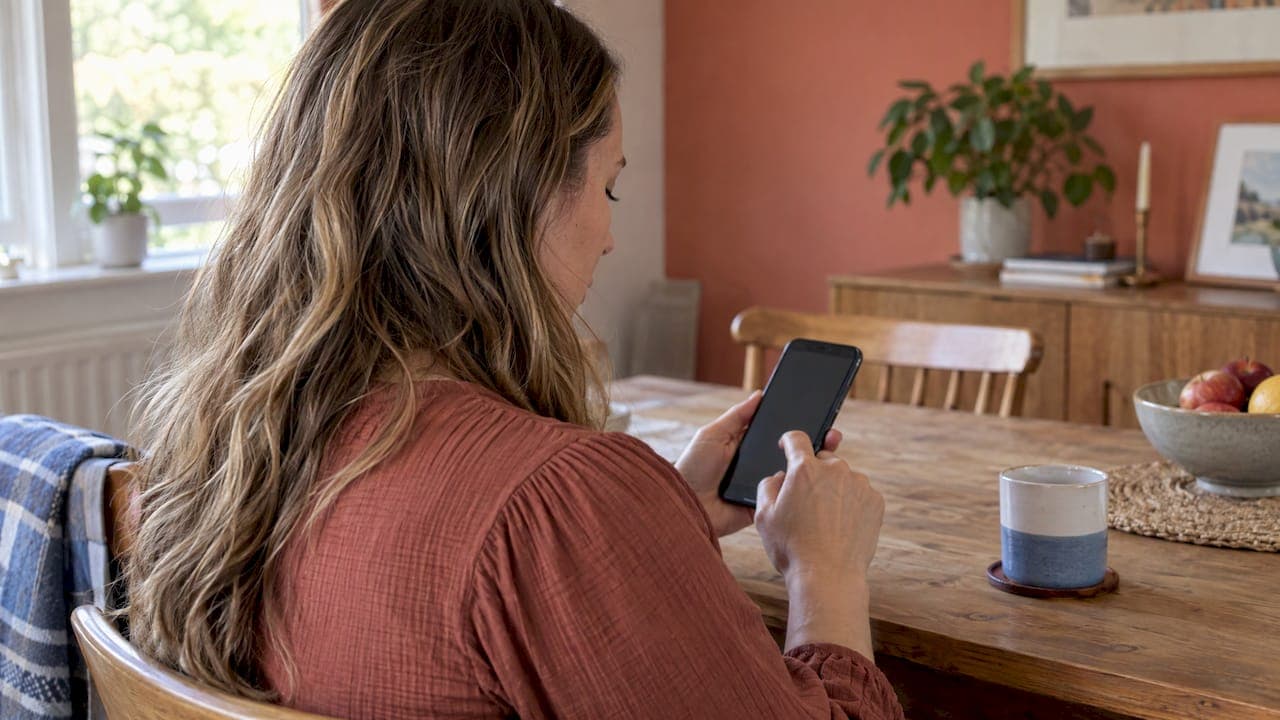
To play a private podcast in Podcast Addict, copy the private RSS link you were given, open the app on your Android device, tap the plus icon, choose the RSS feed option, paste the link and tap Add. If the feed asks for a login, turn on Authentication and type the username and password that came with it. That is the whole job, and it takes about two minutes.
The rest of this guide covers what the "Private feed" checkbox actually does, how it differs from a password, what to do when episodes don't show up, and how to keep a child's private feed safe. We make weekly superhero podcasts for kids, so we help parents and grandparents with this setup all the time.
TL;DR
- Podcast Addict is an Android app. You add a private feed by pasting its RSS link under the plus icon, then the RSS feed option.
- If your provider gave you a username and password, tick Authentication. If they didn't, you don't need it.
- The "Private feed" box keeps a feed you add out of the app's shared database. It is not a password.
- Never post a private link or its login anywhere public. Anyone holding it can listen.
- If a feed won't load, check your connection, test the link in a browser, and look at the Wi-Fi-only update setting.
Table of Contents
- What a private podcast feed is
- How to add a private podcast in Podcast Addict on Android
- "Private feed" versus Authentication: two different boxes
- Where to get the link or login
- Does Podcast Addict charge to listen?
- If the feed won't add or episodes don't appear
- Keeping a child's private feed safe
- Our perspective
- Get your child's superhero podcast
- FAQ
- Sources
What a private podcast feed is
A public podcast is listed in directories, shows up in app search and can be found by anyone. A private podcast feed is the same technology, an RSS feed that your app checks for new episodes, but nobody lists it. You can only subscribe if someone gives you the link.
There is a middle ground too. An unlisted show is not quite public and not quite private: it exists at a link but isn't promoted. A truly private show adds a layer such as a password-protected feed or a link unique to each listener.
Podcast Addict's own guidance for podcasters says that its iTunes Block tag keeps a private RSS feed out of the app's search engine and its popular-podcast lists, and that the app's share feature prevents sharing those podcasts or episodes. So the app is built to respect a feed that its publisher wants kept quiet.
For families, that is the point. A private feed means your child's episodes are not in a public catalog. They arrive in your app, and only in yours.

How to add a private podcast in Podcast Addict on Android
Podcast Addict is an app for Android, so these steps are for Android phones and tablets. Have your private link ready first. If it came by email, open that email on the same device and copy the link.
- Copy the feed link. Press and hold the link in the email and choose Copy. It usually begins with https and is long.
- Open Podcast Addict and tap the plus icon at the top right of the main screen.
- Reach the New Podcast screen. A second plus button appears there. Tap it.
- Choose RSS feed from the list of options.
- Paste the link into the RSS feed URL box.
- Tap Add. The app checks the feed and loads the episodes.
These steps match what a podcast producer's walkthrough describes for the app. Menu labels can shift slightly between app versions, so if a button sits in a different spot, look for the plus icon and the words RSS feed.
We also keep a longer visual guide: how to add a private podcast on Android, step by step.
When the feed has a username and password
Some private feeds are locked with a login. In that case, Podcast Addict's FAQ says to enter the RSS URL your provider supplied, enable Authentication, and type the login and password. After validation, the app updates the podcast and the episodes appear.
If you typed a credential wrong, you don't have to start over. Long-press the podcast in your list, choose Custom Settings, then Edit podcast URL, and correct it there. The FAQ describes the same route.
"Private feed" versus Authentication: two different boxes
When you add a feed by its link, the screen shows two checkboxes, and people mix them up constantly. The top Reddit thread for this very search is a parent-style question about exactly that.
| Option | What it does | When to use it |
|---|---|---|
| Authentication | Sends a username and password to the feed's server so it will let you in | Your provider gave you a login along with the link |
| Private feed | Marks the feed so it is not shared with the app's database | You want the feed to stay on your device only |
The Podcast Addict privacy policy says a manually added feed can be marked PRIVATE so that it is not shared with the app database. It also explains that feed URLs and subscription information are otherwise collected anonymously to improve the service.
The practical takeaway: for a feed that belongs to your child, tick Private feed. It is a sensible habit even when the link already contains a unique code, because it keeps the address on your device.
Remember that the Private feed box is a privacy setting in your app. It does not lock the feed itself. The feed is protected by the secrecy of its link, or by a login if the provider set one up.
Where to get the link or login
A private link comes from whoever runs the show: a creator, a membership site or a service you subscribe to. It is typically emailed to you after sign-up, or shown in your account page.
If you don't have the link:
- Search the inbox and spam folder for the welcome email.
- Check the account or dashboard of the service that sells the show.
- Ask the provider to resend it. They know which link is yours.
Podcast Addict's FAQ is direct about one thing: these links and credentials should not be passed around, since an authenticated RSS URL and its login can grant access to paid content. Treat it like a password.
With G45-hero-cast, each family's episodes go to their own private feed, and we email the link so you can set it up once. Our guide on how a private podcast works, from feed to your child's ears explains what happens behind that link.
Does Podcast Addict charge to listen?
No, listening to a private podcast does not cost anything extra in the app. Podcast Addict describes itself as free, supported by a small ad banner at the bottom of the screen. The app also offers a paid premium option for extra features, but you don't need it to add and play a private feed.
Don't confuse the app with the podcast. The app is the player. A subscription, if the show has one, is a separate payment to the show's creator. That fee pays for the episodes, not for the app.
If the feed won't add or episodes don't appear
Most problems come down to a handful of causes. Work through them in order.
"Podcast not yet initialized"
This message means the app hasn't completed one successful refresh of the feed. The official FAQ lists the possible causes: no usable connection, Wi-Fi-only update restrictions, a missing URL, server downtime, a malformed feed, or an app issue.
Try this:
- Confirm your phone has a working connection.
- In the app's settings, check whether updates are limited to Wi-Fi, and connect to Wi-Fi or lift the limit.
- Pull down to refresh the podcast.
- Wait a few minutes and try again, in case the server was briefly down.
Check the link in a browser
The same FAQ recommends pasting the feed URL into a browser to see whether it still exists. If the browser shows the feed's text (it looks like code), the link works. If you get an error page, the link is wrong or has been replaced. Ask your provider for a fresh one. If the link works in a browser but not in the app, contact Podcast Addict support with the podcast name and URL.
A login that won't validate
Re-enter the username and password slowly, because stray spaces from copying are common. Paste the link again without the trailing space. If you need to correct details, use the long-press, Custom Settings, Edit podcast URL route described above.
A link that came through a messy email
Long links sometimes break across two lines in email, and a tap picks up only half of it. Copy the link by long-pressing it, paste it into a notes app to see it whole, then paste it into Podcast Addict from there.
For wider troubleshooting across apps, our page on private RSS podcasts for listeners covers subscribing, securing and fixing.
Keeping a child's private feed safe
A private feed is only as private as its link. A few habits make a real difference:
- Don't post it. Skip social media, group chats and school forums. If a grandparent wants to listen too, send the link by direct message or email, or ask the provider whether a second link is available.
- Tick Private feed when you add it, so it stays out of the app's shared database.
- Use a device you control. If your child listens on a shared tablet, set it up there yourself rather than letting the link sit in a note on an open device.
- Ask for a new link if it leaks. A good provider can replace it.
We wrote more about this in our piece on privacy for a private family podcast.
Our perspective
Parents often tell us the hardest part of a personalized podcast isn't the story, it's the setup. We think that is a design problem, not a parent problem, so we build around it.
Every G45-hero-cast episode is individually written and produced to weave in a child's real-life details and interests. It goes far beyond dropping a name into a generic script. That kind of story belongs in a place that is just for your child, which is why we deliver to a private podcast feed instead of a public catalog.
We also like that it is screen-free. A four-year-old with a pair of headphones or a speaker on the nightstand is listening, imagining and sharing a moment with you, not scrolling. Our goal is better family time and a bit of excitement each week as your child becomes the hero of their own audio adventure.
Setting up a feed in an app like Podcast Addict is a one-time job. After that, a new episode simply shows up every Sunday.
JG
Get your child's superhero podcast
If you're reading this because a private feed link is on its way, or because you'd like your child to star in one, here is what we offer. Each week we create a custom superhero audio adventure for children ages 4 to 9, built around the child's name, interests, age and traits, and deliver it every Sunday to a private podcast feed sent to your email.
The Bedtime Standard plan is $99 per month. The Grandparent Gift plan is $999 per year, made for grandparents who want to give a grandchild a weekly adventure. See both on our plans page, where you can subscribe online.
FAQ
Can I add a private podcast to Podcast Addict on an iPhone?
Podcast Addict is built for Android, so it isn't the right app for an iPhone. On an iPhone, use the podcast player you already have and its option to add a show by its RSS link. We have a separate guide for Apple Podcasts setup.
Why can't I find my private podcast by searching in the app?
You won't find it there, and that is how private feeds are meant to work. Podcast Addict says private feeds are kept out of its search engine and popular lists, so you add yours by pasting the link. Use the plus icon, then RSS feed.
Do I need to tick Authentication and Private feed?
Tick Authentication only if your provider gave you a username and password. Tick Private feed when you want the link kept out of the app's shared database, which is a good idea for a child's feed. The two boxes do different jobs, so you can use one, both or neither.
Can grandparents listen on their own phone?
Yes, if they have the feed link. Send it to them privately and have them follow the same steps on their device. If you aren't sure whether your provider allows extra listeners, ask them before sharing.
Sources
- Podcast Addict: information for podcasters
- Podcast Addict FAQ: subscribing to an authenticated feed
- Podcast Addict FAQ: Podcast not yet initialized
- Podcast Addict privacy policy
- Podcast Addict for Android app page
- How to manually add an RSS feed to your podcast app