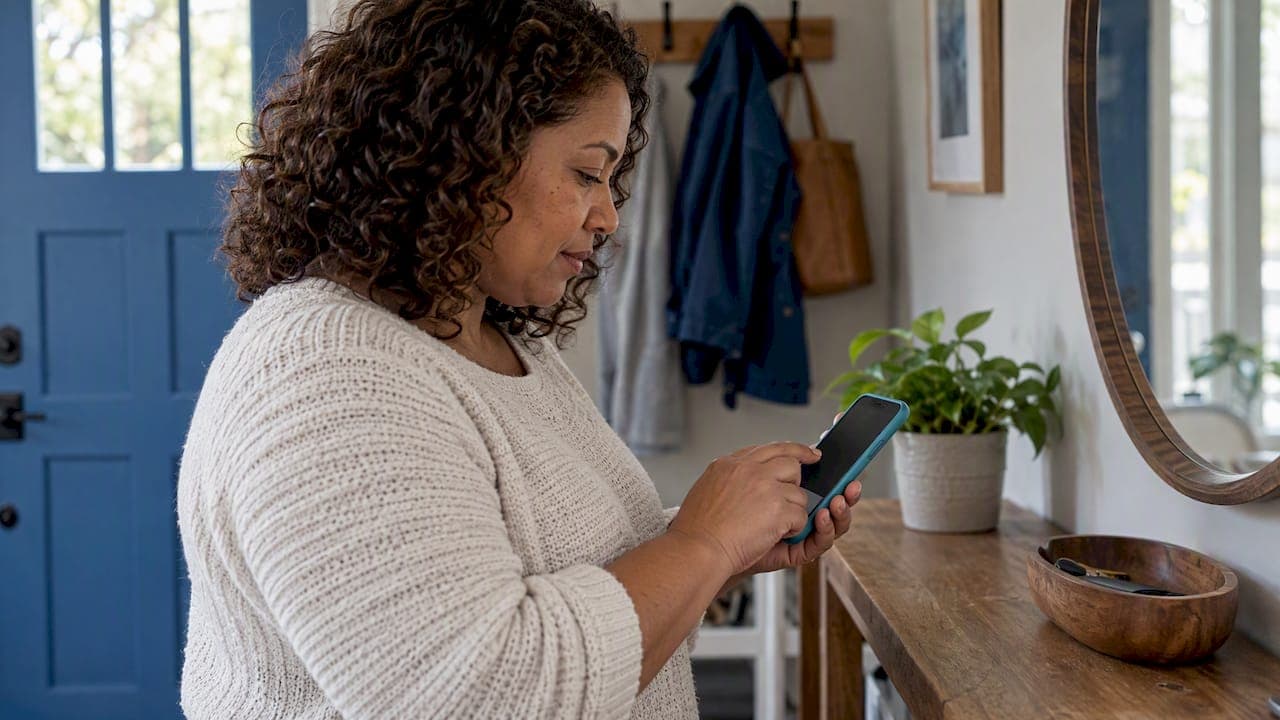
To add a private podcast on Android, copy the private RSS feed link you were given, open a podcast app that accepts custom feeds, and paste the link in. In Pocket Casts you paste it into the search bar and tap follow. In Podcast Addict you use the Add RSS Feed option. In Player FM you sign in and add it as a private RSS feed. The whole thing takes about two minutes.
Below are the exact steps for each app, what to do when the feed will not load, and how to keep the link safe. We make private podcasts for kids, so we have walked many parents and grandparents through this on their phones.
TL;DR
- A private podcast is an ordinary podcast feed with a unique link. You copy the link and paste it into an app that lets you add a feed by URL.
- On Android, Pocket Casts, Podcast Addict and Player FM all work. Player FM needs an account.
- Spotify does not accept arbitrary private feeds, and Google Podcasts is gone, so pick a different app.
- If the feed will not add, check the link for typos, wait a couple of minutes, and ask the sender for a fresh link.
- Treat the link like a password. Do not post it or share it.
Table of Contents
- What a private podcast feed is and what you need first
- Which Android apps accept a private feed
- How to add a private podcast in Pocket Casts
- How to add a private podcast in Podcast Addict
- How to add a private podcast in Player FM
- Apps that will not work for private feeds
- How to confirm it worked and find the episodes
- What to do if the private feed will not add
- Keep the link private
- Our perspective: why a private feed suits kids
- Get a superhero podcast made for your child
- FAQ
- Sources
What a private podcast feed is and what you need first
A public podcast is listed in directories, and anyone can search for it. A private podcast is the same technology, an RSS feed, but the address is not listed anywhere. Only people who receive the link can subscribe. Creators use this for paid member shows, company training, and, in our case, a child's personal audio adventures.
Before you start, you need three things:
- The private feed URL. It is usually a long web address that may include a unique code. Per Pocket Casts support, you copy the private RSS feed URL provided by the network or creator before adding it.
- An Android podcast app that accepts custom feeds. Not every app does. Some do not support authentication, so they will not let you add the feed.
- A way to copy and paste on your phone. The easiest route is to open the email with the link on the same Android phone, press and hold the link, and choose copy.
If you are opening the email on a laptop, send the link to yourself in a message so you can copy it on the phone. Copy the whole link. A missing last character is the most common reason a feed fails.
Which Android apps accept a private feed
Patreon, which issues private feed links to millions of members, lists Android apps that work with its custom RSS links, including Pocket Casts, Player FM (account required) and Podcast Addict. Those are the three we cover step by step. Other apps that let you add a feed by URL follow the same pattern.
| App | Where the option is | Account needed? |
|---|---|---|
| Pocket Casts | Paste the link into the search bar on the Podcasts or Discover screen | Not for adding a feed |
| Podcast Addict | Add RSS Feed option | No |
| Player FM | Settings, then Import OPML/RSS, then Add private RSS feed | Yes, you must log in |
The Pocket Casts and Player FM paths come from those apps' own help pages, linked in the steps below. For Podcast Addict, the Add RSS Feed option is the one to look for.
How to add a private podcast in Pocket Casts
Pocket Casts is the simplest option for most people because it needs no extra menus.
- Copy the private feed URL from your email or message.
- Open Pocket Casts and go to the Podcasts or Discover screen.
- Tap the search bar and paste the link.
- Tap the result, then follow the podcast.
That is how Pocket Casts describes it: paste the private RSS URL into the search bar and follow. If the link is the kind that offers a Follow button, tap it and the feed is added.
Because a private show is not in the public directory, searching its title will find nothing. That is normal. Pocket Casts explains that private podcasts may not appear in its public search database, and that entering the feed URL in the search bar submits it.
How to add a private podcast in Podcast Addict
- Copy the feed link.
- Open Podcast Addict and look for the Add RSS Feed option when you add a new podcast.
- Paste the link and confirm.
The app fetches the feed and shows the episodes. Menu labels can shift between app versions, so if you do not see the option right away, look under the add or plus button for the RSS entry rather than searching by name.
How to add a private podcast in Player FM
Player FM asks you to log in first. Per Player FM's help center, the steps are:
- Log in to your account.
- Go to Settings, then Import OPML/RSS.
- Tap Add private RSS feed.
- Enter the RSS link and tap Add feed.
If you do not want another account, use Pocket Casts or Podcast Addict instead.
Apps that will not work for private feeds
Spotify. Spotify does not natively support adding arbitrary private RSS feeds. Protected listening there typically needs an owner-configured method such as Spotify Open Access. If Spotify is your family's default, we explain the options in our guide to private podcasts on Spotify.
Google Podcasts. Older advice online tells Android users to use it. Google said the app was going away in 2024 and offers a way to transfer your subscriptions. Choose one of the apps above instead.
Apps that ask for a password to a central server. Developers of the open-source app AntennaPod have noted that some central-service apps restrict private feeds because they would need your password on the company's servers. Apps that fetch feeds directly on your phone avoid this problem.

How to confirm it worked and find the episodes
After you subscribe, open your library. Patreon's help center says episodes are generally found in a section called Episodes, Shows or Library within the podcast app, so look for whichever name your app uses.
A quick check:
- The show name and artwork appear in your subscriptions.
- At least one episode is listed. With our service, a new episode lands in the feed every Sunday.
- Tapping play starts audio within a few seconds on Wi-Fi.
Turn on automatic downloads for the show if your app offers it. Then the new episode is on the phone before bedtime, even without a signal in the car or at a grandparent's house.
What to do if the private feed will not add
Most failures are small. Work through these in order.
Check the link
Pocket Casts says that when a Follow link is unavailable, the URL may contain a typo, be unreachable, or have an expired access token. Paste the link into a note and read it end to end. Make sure there is no space at the start or end, and that it was not cut in two by an email line break.
Wait a couple of minutes
If you cannot access a private feed right after adding it to Pocket Casts, the same help page suggests trying again in a couple of minutes. Close the app, reopen it, and check the subscription again.
Ask for a new link
If the link has an expired token or was reset, only the sender can fix it. Ask for a fresh one. For our subscribers, reply to the Sunday email and we will send an updated link.
Try a different app
Some sites show a "verify you are human" page to automated requests, and AntennaPod developers point out that this creates a broken experience the app cannot patch. If one app fails and another loads the same link, the problem is in the feed's host, not on your phone.
Look at the bigger picture
If you are stuck on feed errors because audio on your phone feels like a hassle, it can help to step back and decide what format you actually want. This breakdown of podcast versus audiobook formats explains how each one fits different listening habits. For kids' bedtime, a weekly episode that arrives by itself tends to be easier to keep going than a library someone must manage.
Keep the link private
The link is the key to the feed. Anyone who has it can listen. Patreon states that sharing a private RSS link violates its Terms of Service and that the link may be reset. Podigee, a podcast host, warns publishers never to submit a listener's unique token-based RSS URL publicly.
Practical habits:
- Do not post the link on social media or in group chats.
- Share with family by forwarding the email only to people you trust, such as the other parent or a grandparent.
- If you think the link leaked, ask the creator to issue a new one.
- Delete the link from shared computers.
We wrote more about this from a parent's point of view in our family privacy guide.
Our perspective: why a private feed suits kids
We built our service on private feeds on purpose. A child's name, interests and personality are in every episode, and that is not something we want in a public directory. A private feed keeps it between your family and us. It also means no ads, no autoplay into unrelated shows, and no screen. Your child hears a story in which they are the hero, and the phone can sit on the nightstand with the display off.

The feed also fixes the problem we hear about most: remembering to find something new. Each Sunday a new episode arrives in the same place, so the routine builds itself. The one-time setup on Android is the only technical step a parent ever has to take.
If you want to understand the whole path from our feed to your child's speaker, how a private podcast works covers it in plain terms. Grandparents who want to set it up on a different device may like our guides for Apple Podcasts and Google Home.
— JG
Get a superhero podcast made for your child
Our weekly podcasts are written for children ages 4 to 9. Each episode stars your child as the hero, built around their name, age, interests and traits, and arrives every Sunday in a private podcast feed you add once using the steps above. The Bedtime Standard plan is $99 per month. The Grandparent Gift plan is $999 per year, made for grandparents who want to give a child something to look forward to every week.
See both plans on the G45 Hero Cast site and start your child's first adventure.
FAQ
Can I add a private podcast to Android without Spotify or Apple Podcasts?
Yes. Apps such as Pocket Casts, Podcast Addict and Player FM accept a private RSS link on Android. You do not need an Apple device or a Spotify account. Just copy the feed URL and paste it where the app asks for an RSS feed or search term.
Why can't I find my private podcast by searching its name?
Private feeds are deliberately kept out of public directories. Pocket Casts notes that they may not appear in its search database, and that pasting the feed URL into the search bar submits it. Always search with the link, not the title.
Does the feed work on more than one phone?
The link itself can be added in the same way on any Android phone or tablet that has a compatible app. Share it only with trusted family members, since anyone with the link can listen. If you want a guide for another platform, see our Castbox walkthrough.
What if the link stops working later?
The link may have been reset or its access token may have expired. Check for typos first, wait a couple of minutes, then ask the sender for a new link. With us, replying to the Sunday email gets you an updated one.
Is a private feed safe for my child?
A private feed is not listed publicly, and only people with the link can reach it. Keep the link out of public places and share it carefully. Our private RSS overview for listeners covers subscribing, securing and fixing the feed.
Sources
- Private, Paid, or Members-Only Feeds, Pocket Casts Support
- Podcast Search: Troubleshooting and FAQs, Pocket Casts Support
- Which podcast apps will my custom audio RSS link work with? Patreon Help Center
- How to use your audio RSS, Patreon Help Center
- Player FM support for private feeds
- Podcast Subscribing by URL Instructions, Wave Farm
- Transfer or export your Google Podcast subscriptions
- Which podcast apps support protected podcasts, Podigee
- Newbie Questions, AntennaPod forum
- Unable to add new podcast, AntennaPod forum
- Podcast vs. Audiobook: Which audio format suits you?